
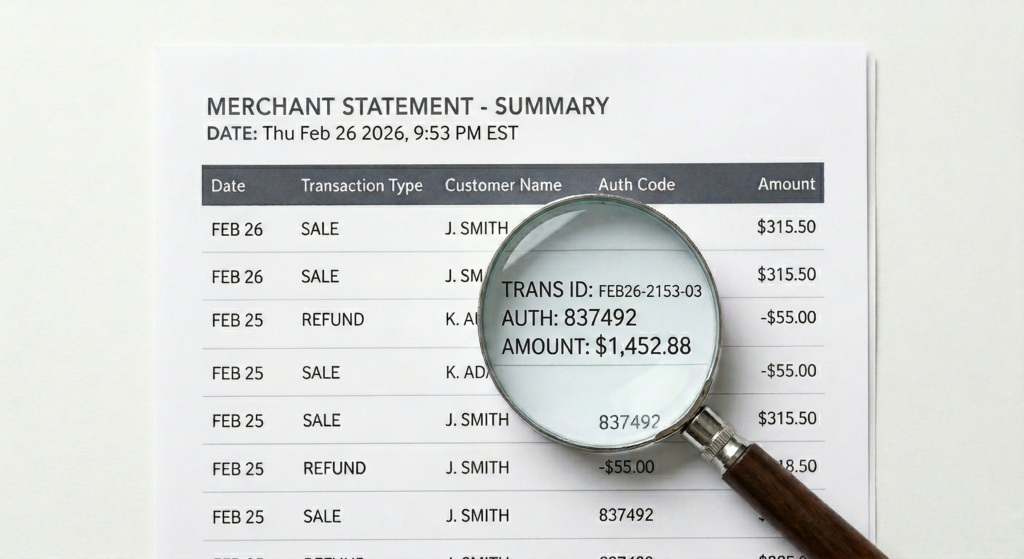
Most merchants get their processing statement every month, glance at the total, and move on. It’s dense, it’s confusing, and most processors aren’t exactly motivated to make it easy to understand. That’s not an accident.
But buried inside that document is everything you need to know about whether you’re getting a fair deal. Once you know what you’re looking at, the math gets simple fast.
This is a plain-English breakdown of how to read your merchant statement and the specific things that should immediately raise a red flag.
What You’ll Find on a Typical Merchant Statement
Merchant statements vary slightly by processor, but they all contain the same core sections:
- Monthly Processing Volume — the total dollar amount of transactions processed
- Transaction Count — how many individual sales were processed
- Interchange Fees — what Visa, Mastercard, Discover, and Amex charged (these are set by the card networks, not your processor)
- Processor Markup — the fees your actual processor adds on top of interchange
- Monthly Fees — statement fees, gateway fees, PCI fees, batch fees, and others
- Effective Rate — your total fees divided by your total volume. This is the number that tells the real story.
How to Calculate Your True Effective Rate
The formula is simple:
(Total Monthly Fees ÷ Total Processing Volume) × 100 = Your Effective Rate
Example: ($850 in fees ÷ $28,000 in volume) x100 = 3.03%
That number is your actual cost of accepting cards. Most merchants don’t know this number off the top of their head, and that’s exactly the problem.
For most low-to-medium risk businesses, a healthy effective rate sits somewhere between 1.8% and 2.5% depending on your card mix and transaction type. If you’re consistently above 2.8%, something is off and it’s costing you real money.
The 7 Red Flags to Look for on Your Statement
🚩 Red Flag #1 — PCI Non-Compliance Fees
This is one of the most common ways merchants get quietly drained month after month. If you haven’t completed your annual PCI self-assessment questionnaire, most processors hit you with a monthly non-compliance fee that can range anywhere from $20 to $50 or more.
The fix is usually free. The fee isn’t.
🚩 Red Flag #2 — Vague Monthly Fees With No Explanation
Any line item that doesn’t have a clear explanation is worth questioning. Fees labeled “service fee,” “support fee,” or “maintenance fee” with no breakdown are often pure margin for the processor.
If you can’t identify what a fee is for, ask. If they can’t explain it, that’s your answer.
🚩 Red Flag #3 — Downgraded Transactions (Tiered Pricing)
If you’re on a tiered pricing model, watch for transactions landing in “mid-qualified” or “non-qualified” buckets. This happens when a transaction doesn’t meet the processor’s criteria for their base rate.
Common triggers include:
- Rewards cards
- Corporate cards
- Manually keyed transactions
- Transactions where AVS data wasn’t included
You end up paying a significantly higher rate, often without understanding why. On a tiered statement, excessive downgrades are one of the fastest ways to bleed margin.
🚩 Red Flag #4 — High-Cost Card Categories (Interchange-Plus)
If you’re on interchange-plus pricing, you won’t see “mid-qualified” or “non-qualified” labels, but you’ll still feel the impact of premium cards.
When a customer pays with a high-rewards card, corporate card, or purchasing card, the interchange rate on that transaction is simply higher by nature. It shows up as a specific card category on your statement with a higher rate attached.
This isn’t your processor padding the bill — it’s set by Visa and Mastercard. But understanding your card mix and whether certain transaction types are triggering higher categories is exactly where a good consultant adds value.
🚩 Red Flag #5 — Monthly Minimum Fees
Some processors charge a monthly minimum, meaning if your interchange and markup don’t hit a certain threshold, they charge you the difference to make up for it.
This punishes your slower months and is something that should always be negotiated out before you sign anything.
🚩 Red Flag #6 — Early Termination Fees Hidden in Your Agreement
This one doesn’t show up on your monthly statement, but it belongs here because it directly affects your ability to act on everything else you find.
If you signed a multi-year contract, check for the early termination fee. Some processors lock merchants in with fees of $300 to $500 or more just to leave. That’s leverage they use to keep you from shopping around, even when you’re clearly overpaying.
Before you do anything else, know what it costs to walk away.
🚩 Red Flag #7 — Bundled or Tiered Pricing That Hides the Real Cost
If your statement shows a single flat rate or buckets your transactions into vague tiers without breaking out interchange separately, you have zero visibility into what the card networks are actually charging versus what your processor is keeping.
Bundled and tiered pricing structures almost always benefit the processor more than the merchant.
Interchange-plus is the most transparent model because it shows you exactly what Visa and Mastercard charged, and exactly what your processor marked it up. If you’re not on it, it’s worth asking why.
What to Do With This Information
Once you know your effective rate and can spot the line items that don’t belong, you have real leverage.
You can take that statement and have an honest conversation about whether your current setup is working for your business, or for your processor.
That’s exactly what we do in our free savings audit. We go line by line through your statement, calculate your true effective rate, identify every unnecessary fee, and show you what a competitive setup would actually cost.
No pressure. No obligation. Just a clear picture of where you stand.
If you want a second set of eyes on your statement, reach out and we’ll take a look.